Two-page invoice
Modern trade invoice
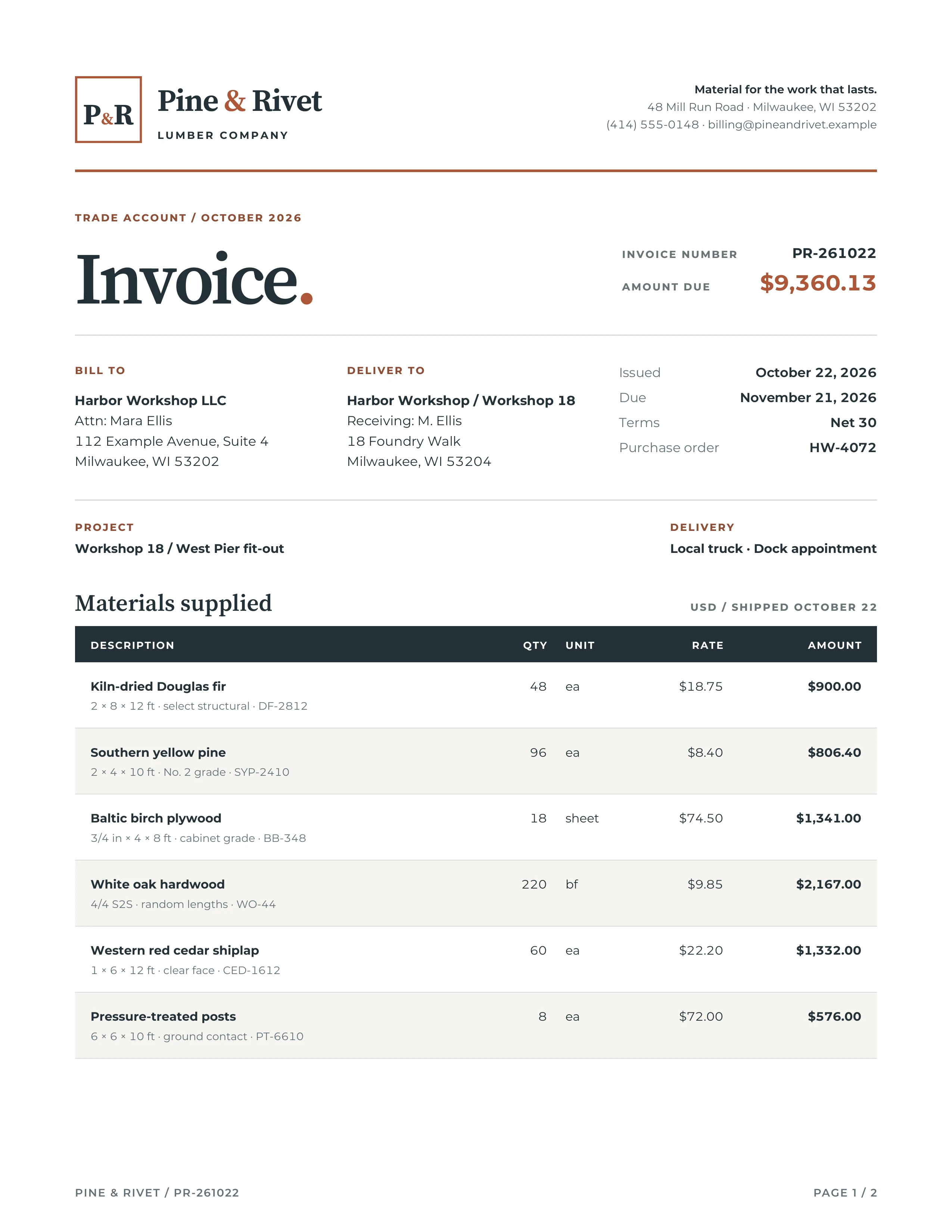
Pine & Rivet's trade invoice turns a long materials order into a document that stays clear from the first line item to the final total.
Highlighted features
Break-safe item tables
Fixed-layout HTML tables align quantities, rates, and amounts; table headers are marked as header groups and item rows avoid splitting across pages.
Tabular numerals for money
font-variant-numeric: tabular-nums lining-nums gives prices and totals equal-width digits, so monetary columns stay easy to compare.
Fine print pinned to the final page
The final page uses a flex column, with margin-top: auto on the fine print to keep it at the bottom below the payment details.
How the layout works
The stylesheet declares US Letter paper and sets the printable margins with @page. Its bottom margin boxes repeat the invoice identifier and use counter(page) with counter(pages), so the reader can tell whether the order continues. The continuation starts on a new page, with a second table and a compact payment section.
The two fixed-layout table elements retain real rows and cells for descriptions, quantities, unit prices, and amounts. thead is a table header group, and break-inside: avoid keeps each item row intact. font-variant-numeric: tabular-nums lining-nums gives the money columns aligned digits. On the final page, a flex column and margin-top: auto push the fine print beneath the payment details. The local Montserrat and Source Serif files are included in the ZIP, along with their license notices.
Generate the PDF
Extract the source ZIP, keep invoice.html, invoice.css, and fonts/ together, and run one of these examples from that directory.
precisionpdf invoice.html invoice.pdffrom precisionpdf import HTML
HTML(filename="invoice.html").write_pdf("invoice.pdf")